Put your page online (free options, honestly)
You get one page file called index.html. Everything is inside it, photos included. You need two things: a place to host the file, and (if you want your own name) a domain.
- Cloudflare Pages. Free plan. Create a free Cloudflare account, choose Workers & Pages, create a Pages project with "Upload assets", and drop in a folder that holds your page file. You get a free
.pages.devaddress and can add your own domain in the project settings. - GitHub Pages. Free for public repositories. Create a GitHub account and a repository, upload your page file, then switch on Pages in the settings. Custom domains are supported.
- Netlify. Has a free plan with drag-and-drop deploys. Check their current plan limits before you rely on it.
- Your existing web host. If you already pay for hosting, upload your page file with its file manager.
The honest part: hosting can be free, but a domain name is not. Registrars charge a yearly fee. Connecting the domain means changing DNS settings, and that is the step where most people get stuck. Once the page is live, put its address on your Google Business Profile, Instagram bio, business cards and receipts.
Want us to set it up on your domain, or build a full website around it? That is a paid service. Tell us what you need and we will reply with a clear quote.
What the downloaded page includes
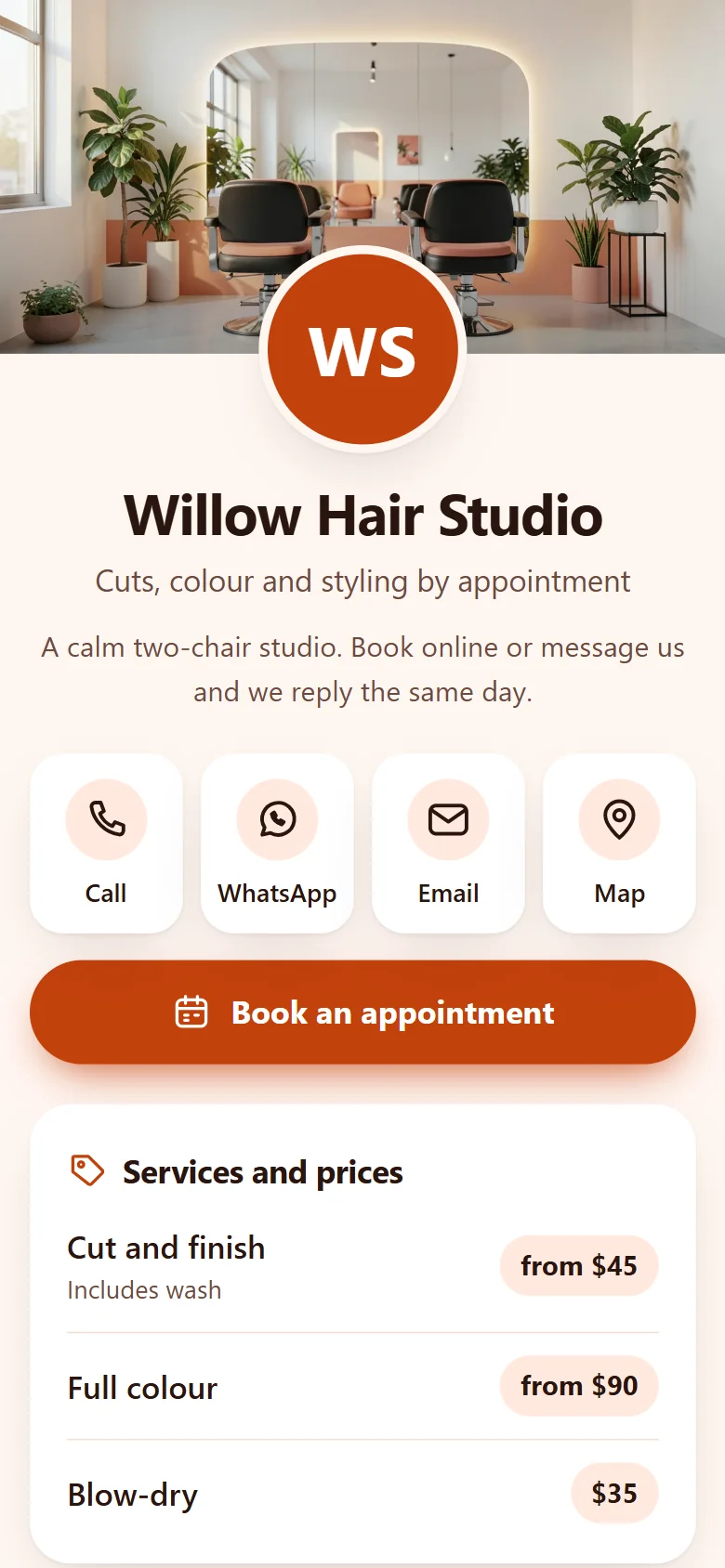
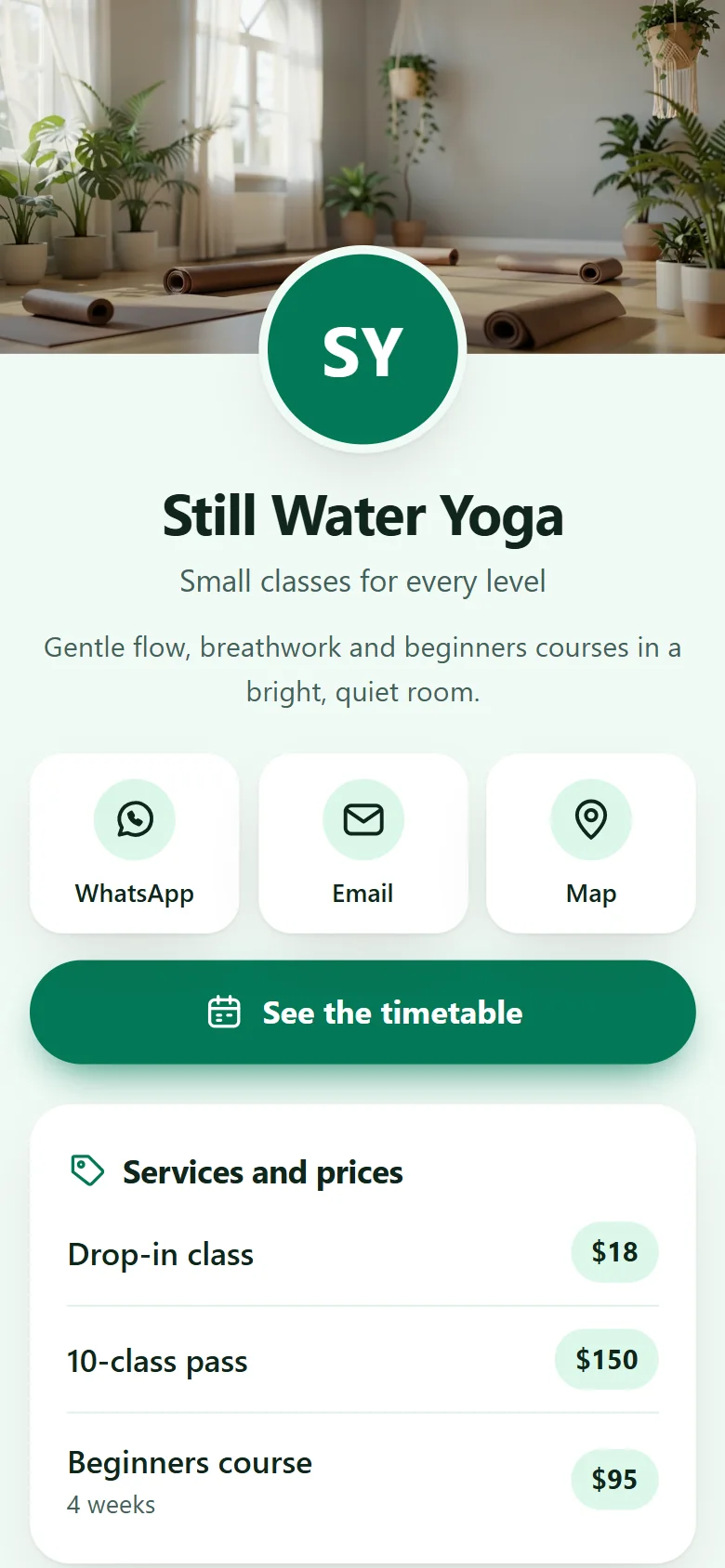
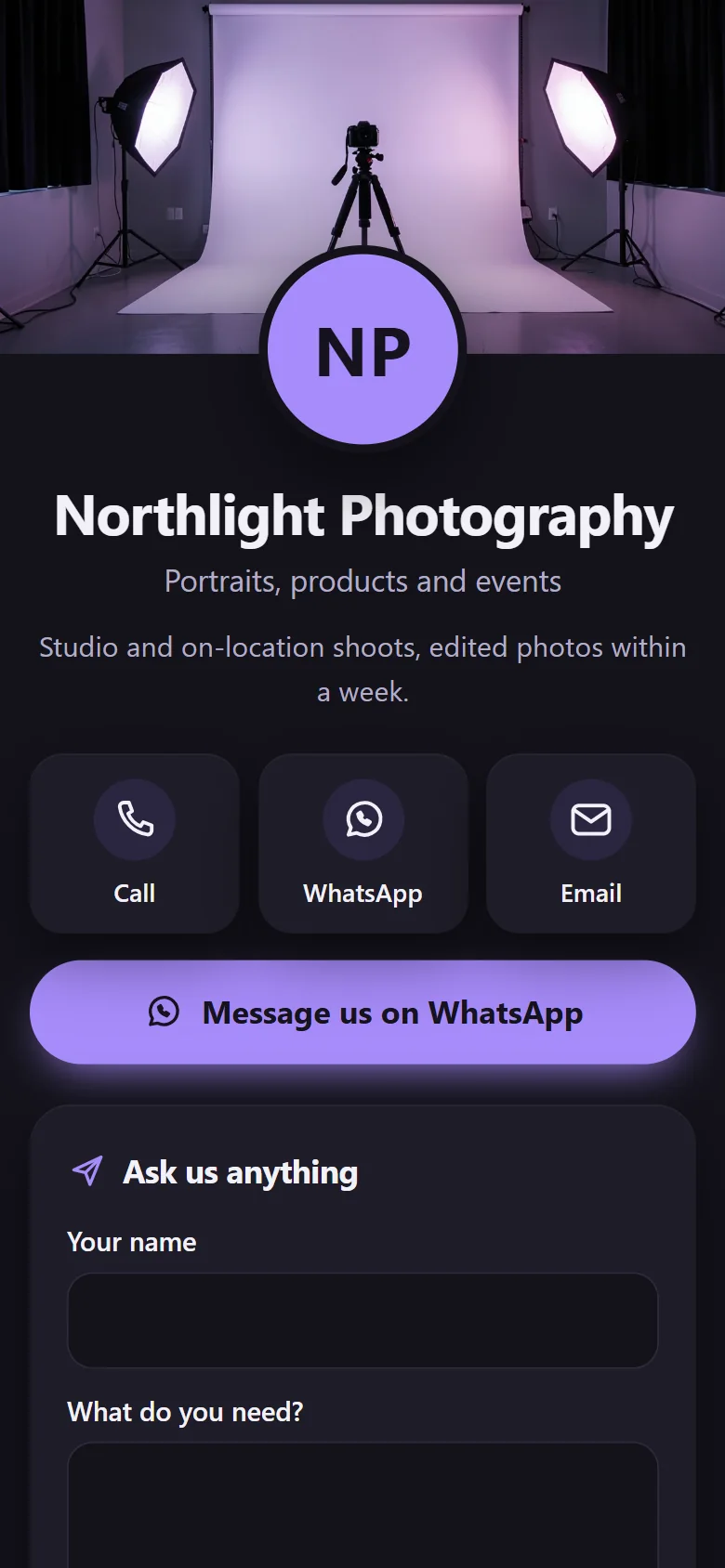
- Big Call, WhatsApp and Email buttons at the top. The WhatsApp button uses an official
wa.melink with your opening message. - Your address, a map link, opening hours and the area you serve.
- Your services with optional prices.
- A booking button for the tool you already use, and/or an enquiry form that opens the customer's WhatsApp or email app.
- Quotes from your customers and a link to your Google reviews.
- Your name, contact details, address, hours and services written in the format Google reads, plus a page title and description.
- No tracking, no cookies and no "made with" badge.
Frequently asked questions
Is this link page maker really free? Is there a badge?
Yes, it is free with no account. The page has no badge. There is an optional credit link at the bottom, and it is switched off unless you tick it.
Can I use my own domain, like a free link in bio with a custom domain?
Yes. You own the file, so you can host it on any domain you control. Hosting can be free (see the guide above), but the domain itself has a yearly fee from a registrar.
How do I make a WhatsApp link for my Google Business Profile or Instagram bio?
A WhatsApp link looks like https://wa.me/15550102030: the full number with country code, digits only, no plus sign, spaces or leading zeros. Add ?text= and a message to start the chat with it. The form above builds this for you and shows the link under the WhatsApp field.
Can customers book from the page?
Yes, two ways. Paste the link to the booking tool you already use (Calendly, Setmore, Square Appointments, a Google Calendar booking page and others), or turn on the enquiry form. The form opens the customer's own WhatsApp or email app with their message filled in. It does not check your availability.
How is this different from Linktree or other link in bio tools?
Hosted tools keep your page on their address, and features like your own domain or removing their branding are usually on paid plans. Here you get a file you keep and host where you like. The trade-off: there are no click statistics, and you update the page by editing the form and downloading it again. Tap "Save my answers" so you can open them next time.
Will my page show up on Google?
It gives Google what it needs to read the page: a clean page, a title and description, and your business details in the format Google reads. No one can promise rankings. Link to the page from your Google Business Profile and social profiles so people and search engines can find it.
Is my information uploaded anywhere?
No. Everything runs in your browser. This page is locked so it cannot send anything anywhere, so what you type stays on your device.